How it works
Three steps to connect.
-
Install the app
Download it from the App Store. Around 20 MB.
-
Join the same Wi-Fi
Your phone and TV need to be on the same network.
-
Tap to connect
Your TV appears in the device list. Pick it, and the remote opens.
Inside the app
Discover, control, type.
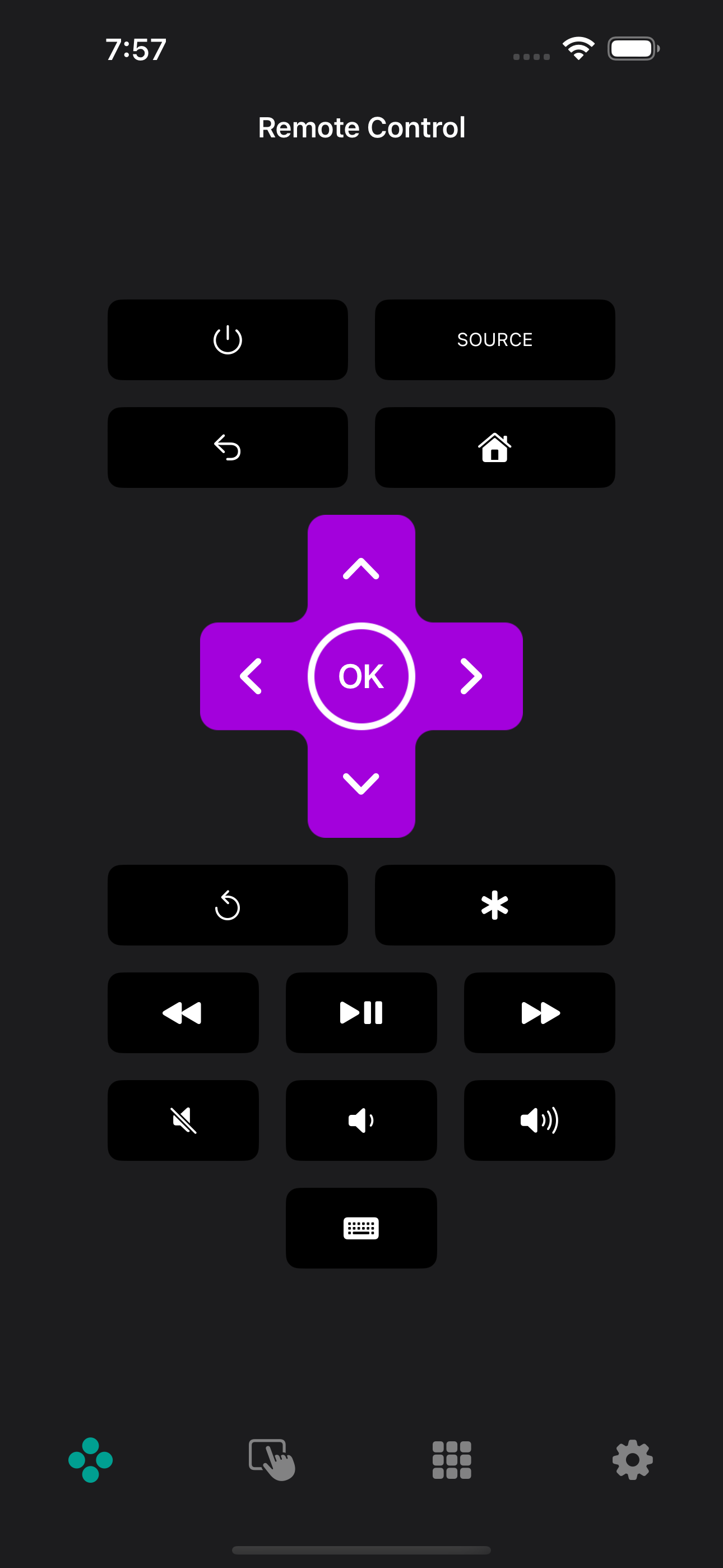
What's in it
The buttons a TV remote app needs.
A full remote, not a stripped-down widget — plus a few things a plastic remote can't do.
-
Support for the major TV brands
Samsung, LG, Sony, TCL, Roku, Fire TV, Android TV, Vizio — one app across brands.
-
Simple setup
Open the app on the same Wi-Fi as your TV. It appears in the list. Tap to connect.
-
A full remote
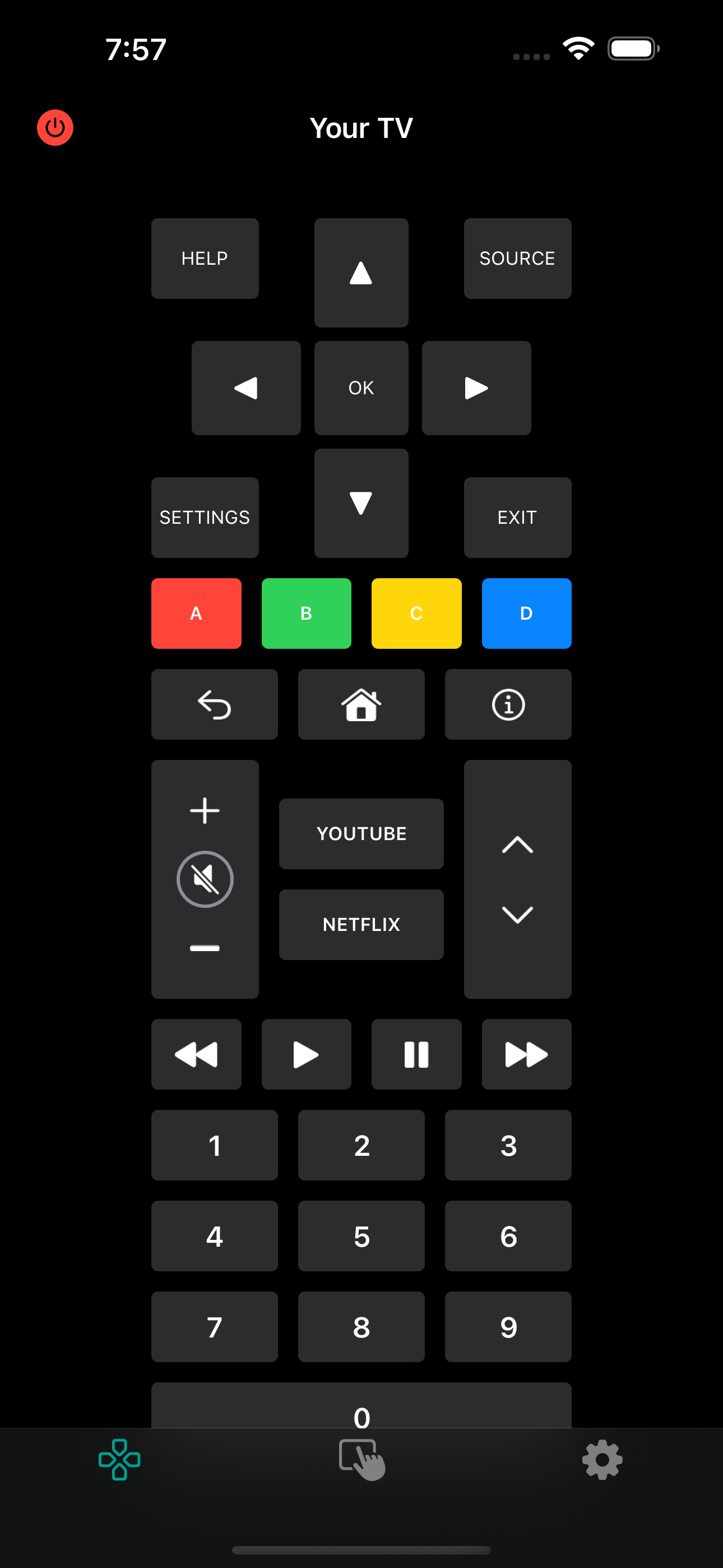
Directional pad, media keys, keyboard input, volume, sources, power — the buttons a plastic remote has.
-
On-phone keyboard
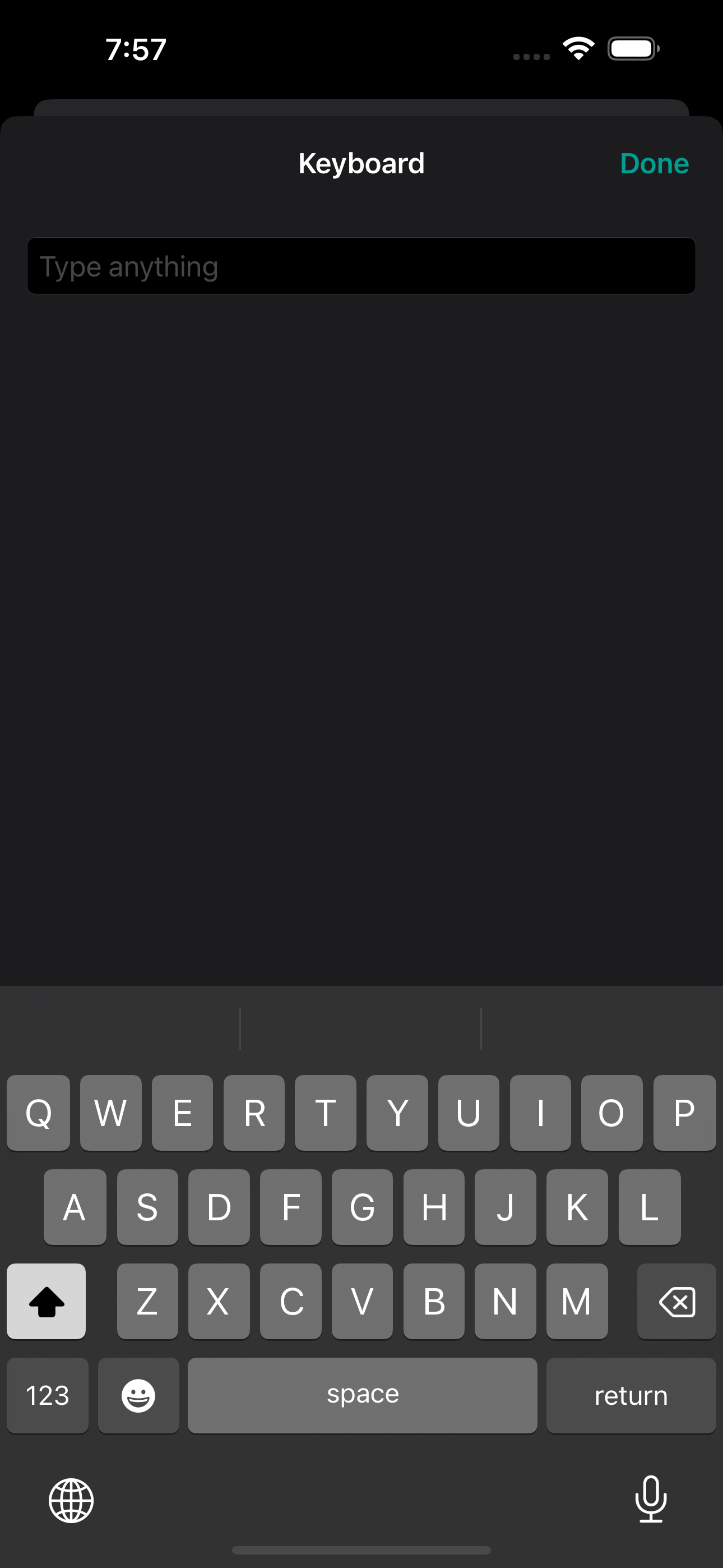
A phone keyboard for search fields on Netflix, YouTube, and Prime — useful when the D-pad gets tedious.
-
Trackpad control
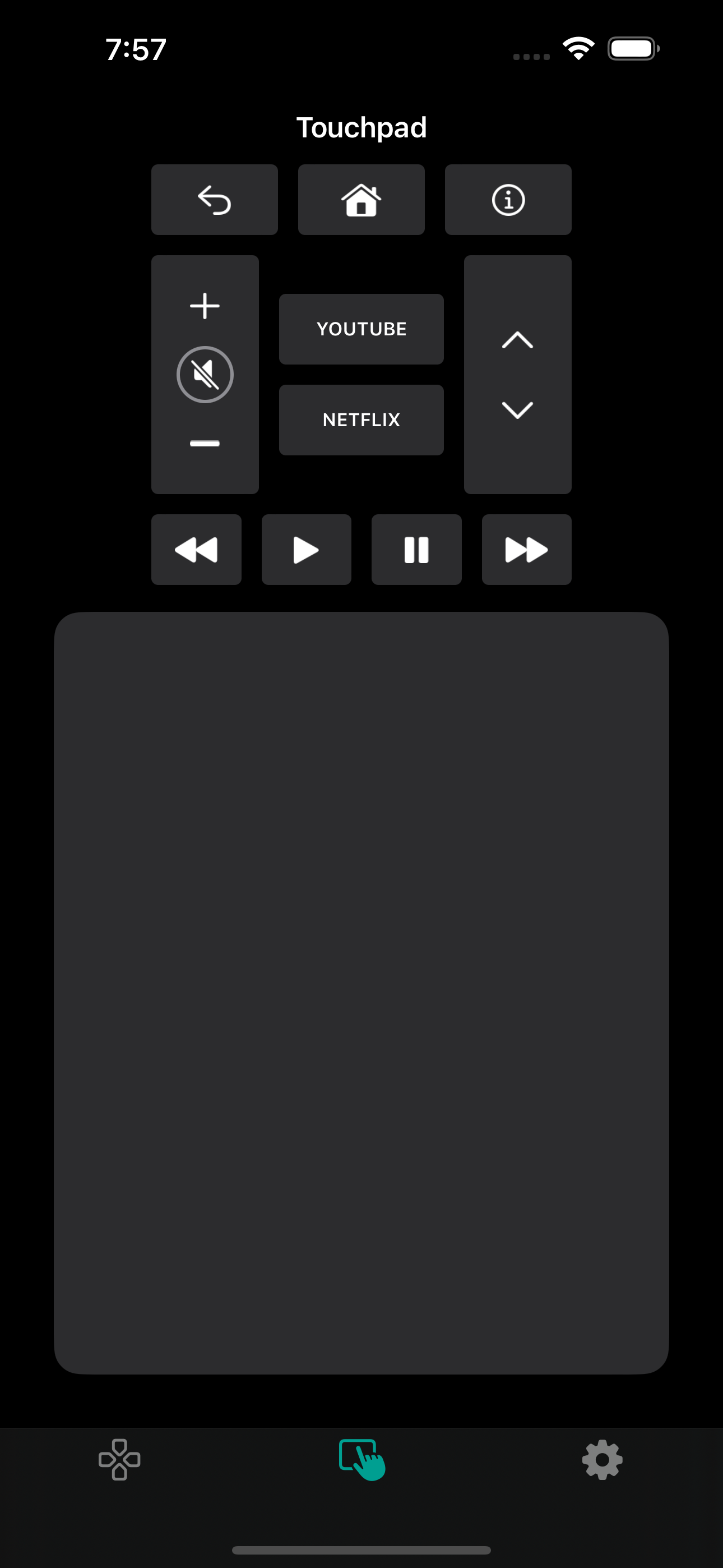
Swipe to move the cursor on Android TV and Fire TV — helpful for menus with a lot of items.
-
No account needed
No email, no cloud roundtrip. The app runs on your local network.
Compatible with
Supported TV brands.
Most Wi-Fi-connected smart TVs from these brands are supported.
- Samsung
- LG
- Sony
- TCL
- Roku
- Fire TV
- Android TV
- Google TV
- Chromecast
- Philips
- Panasonic
- Sharp
FAQ
Common questions.
Which TVs does the TV remote app support?
The app supports the major smart TV brands: Samsung (Tizen), LG (webOS), Sony, TCL, Vizio, Roku, Amazon Fire TV, Android TV, Google TV, Chromecast, and Apple TV. Most Wi-Fi-connected models from the last several years are supported.
Does it need Bluetooth or an IR blaster?
No. The TV remote app uses your existing Wi-Fi network to reach the TV, so it runs on any iPhone without extra hardware — no adapter, no cable, no infrared line-of-sight.
Does the app collect data about what I watch?
No. The app talks directly to your TV on your local network. It never sees which shows you watch, and it does not send that data anywhere.
What if my TV is not in the list?
Make sure both devices are on the same 2.4 GHz or 5 GHz network (not a guest Wi-Fi), and that "network control" is enabled on the TV. Most sets need this switched on once, from the TV's connectivity settings.
Get the TV remote app.
Free to download on iPhone. Under 20 MB. No account required.